
Switch Browser for Safari
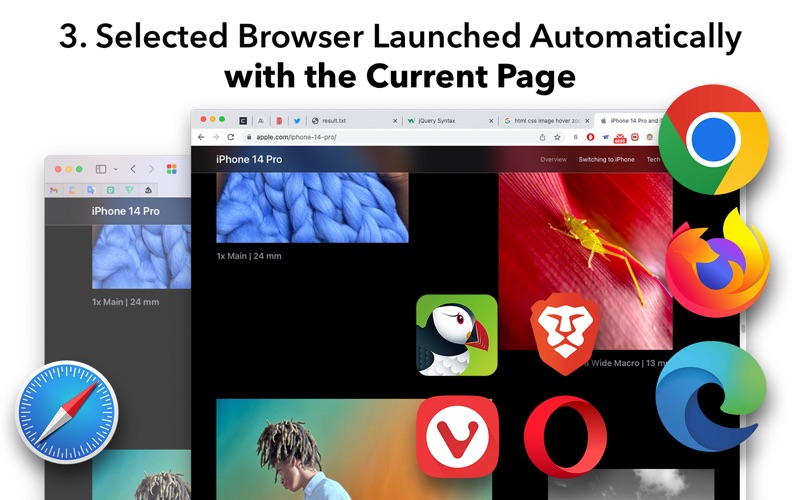
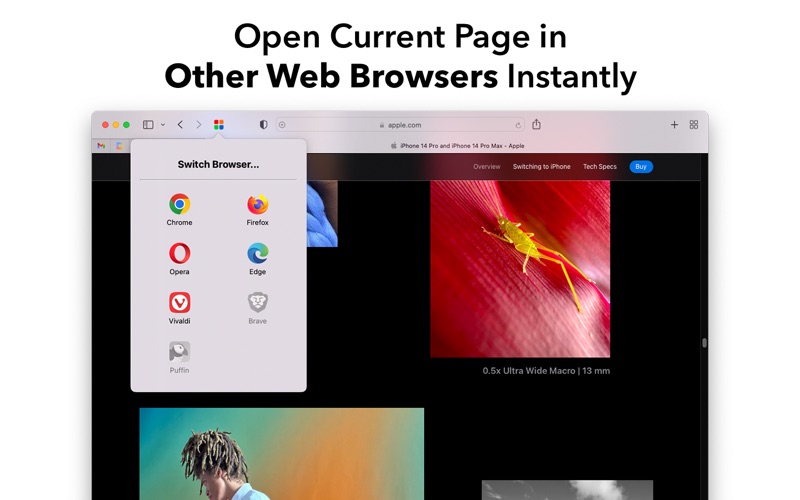
Read our comprehensive review of Switch Browser for Safari, the ultimate Mac extension to instantly open current web pages in Chrome, Firefox, and more.
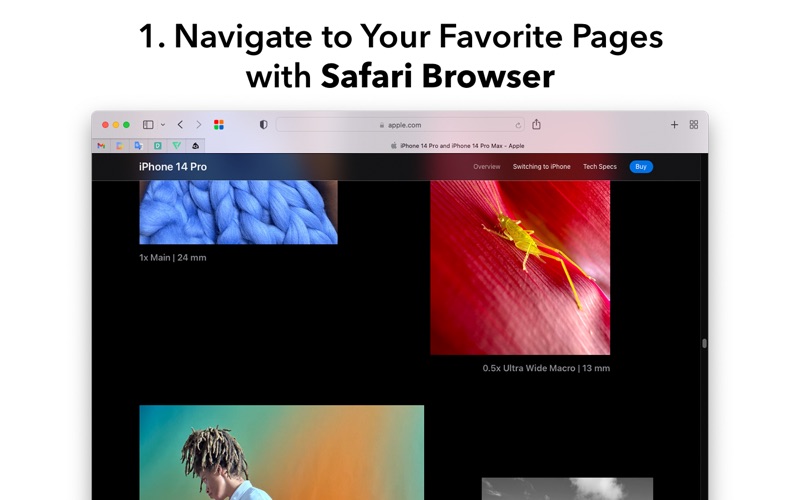
Imagine you are deep into a research session on your Mac, enjoying the energy efficiency of Safari, when suddenly a critical web application refuses to load correctly because it requires Chromium. Instead of copying the URL, opening another browser, and pasting the link manually, the Switch Browser for Safari cross-browser extension lets you instantly hand off your active webpage to another browser with a single click.
What is the Switch Browser for Safari Cross-Browser Extension?
Developed by Dongwook Cho, this utility is a dedicated Safari extension designed specifically for macOS users who frequently jump between different web environments. Whether you are a web developer testing responsive layouts, a designer checking rendering consistency, or simply a casual user needing to access a site that performs better on a different engine, this tool bridges the gap seamlessly.
Supported Web Browsers
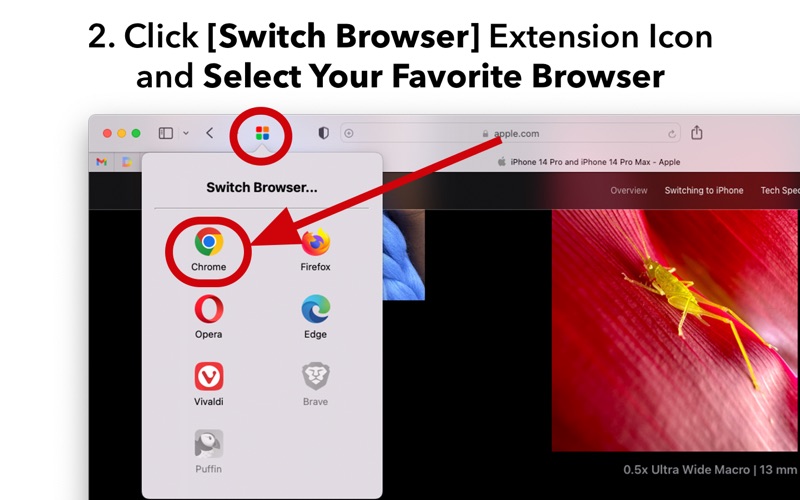
The extension allows you to bypass manual URL transfer entirely. With a simple action, you can open your active webpage directly in several major browsers:
- Google Chrome: Perfect for accessing Google-optimized web apps and developer tools.
- Mozilla Firefox: Ideal for cross-engine rendering checks and privacy-focused browsing.
- Microsoft Edge: Excellent for corporate compatibility and testing Chromium-based rendering.
- Vivaldi & Brave: Great for users who prefer highly customizable or ad-blocking-centric environments.
- Puffin Browser: Useful for specific cloud-accelerated rendering needs.
Who is This Extension For?
This utility is exceptionally beneficial for professionals and power users on macOS. Web developers and QA testers can save hours of repetitive copying and pasting when verifying how a design renders across different browser engines. Additionally, enterprise users who rely on legacy web systems optimized exclusively for Chromium-based platforms will find this tool to be an invaluable productivity booster.
Why Use Switch Browser for Safari?
While modern browsers are highly standardized, subtle rendering differences and extension availabilities still dictate which browser we use for specific tasks. Instead of maintaining cluttered bookmark bars across multiple applications, this extension centralizes your navigation point in Safari. It keeps your workflow fluid, reduces desktop friction, and maintains your focus on the task at hand.
Final Verdict
If you regularly find yourself switching between Safari and other desktop browsers, this lightweight extension offers a clean, reliable, and instantaneous solution. To add this utility to your macOS workflow, you can find it available for purchase on the official Mac App Store.