
Vesktop
Read our comprehensive review of Vesktop, a customizable Discord client for Linux. Discover its unique audio screensharing features and privacy benefits.
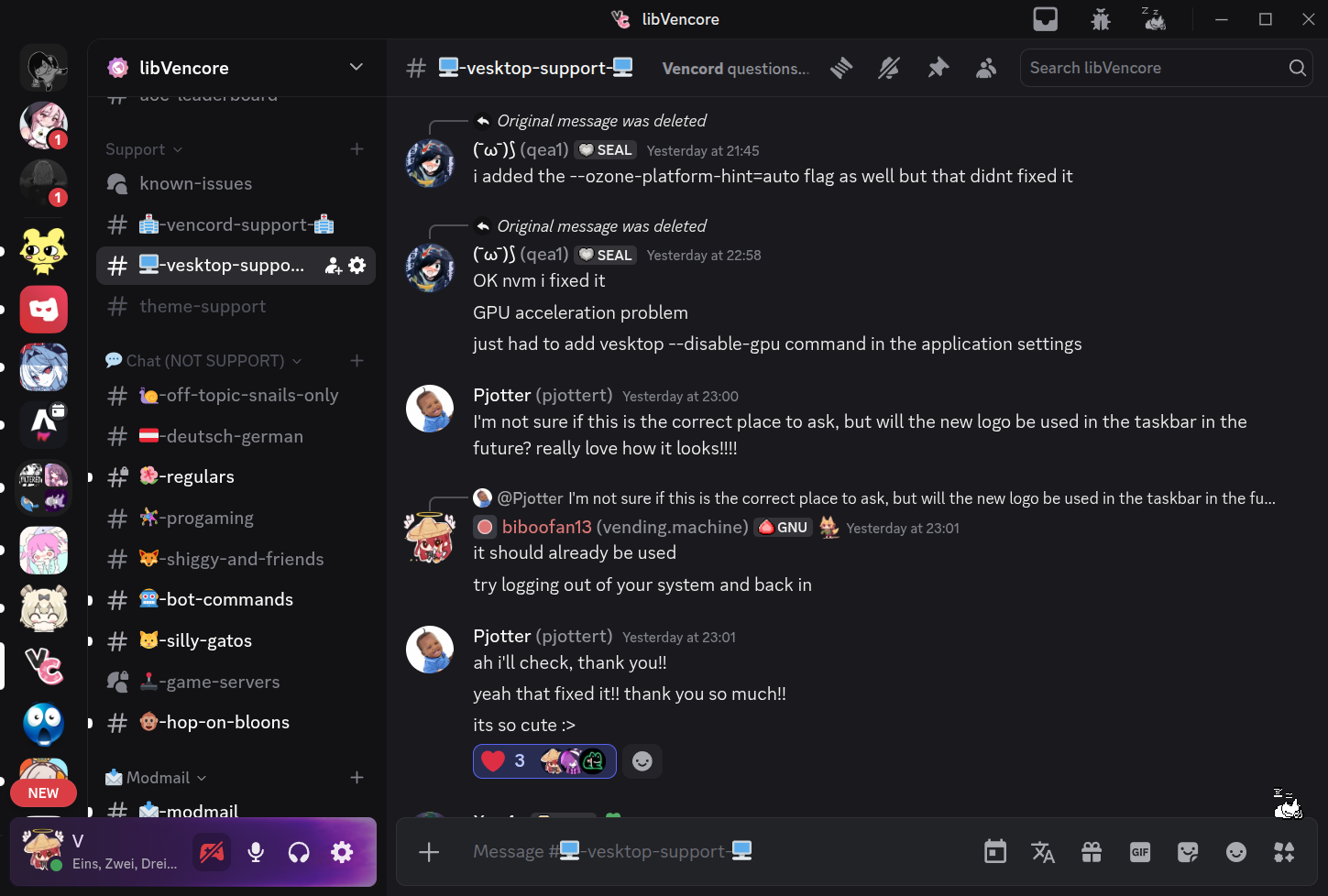
Vesktop customizable Discord client redefines how Linux users interact on the popular communication platform by prioritizing user control and privacy. Built specifically to address common limitations found in standard desktop builds, this application delivers a highly tailored environment for power users who demand more from their daily chat interface.
Elevating the Linux Discord Experience
For many Linux enthusiasts, voice and video communication on Discord has historically come with technical compromises. The Vesktop customizable Discord client solves these persistent pain points directly. By integrating specialized libraries, it ensures that your system audio and visual feeds coordinate flawlessly during live broadcasts, making it an essential tool for gamers, developers, and remote teams alike.
Key Features of Vesktop
- Advanced Audio Screensharing: Thanks to the built-in Venmic library, users can stream high-quality audio alongside their screenshare sessions without complex workarounds.
- Privacy-First Architecture: Designed with data minimization in mind, giving you peace of mind while you communicate.
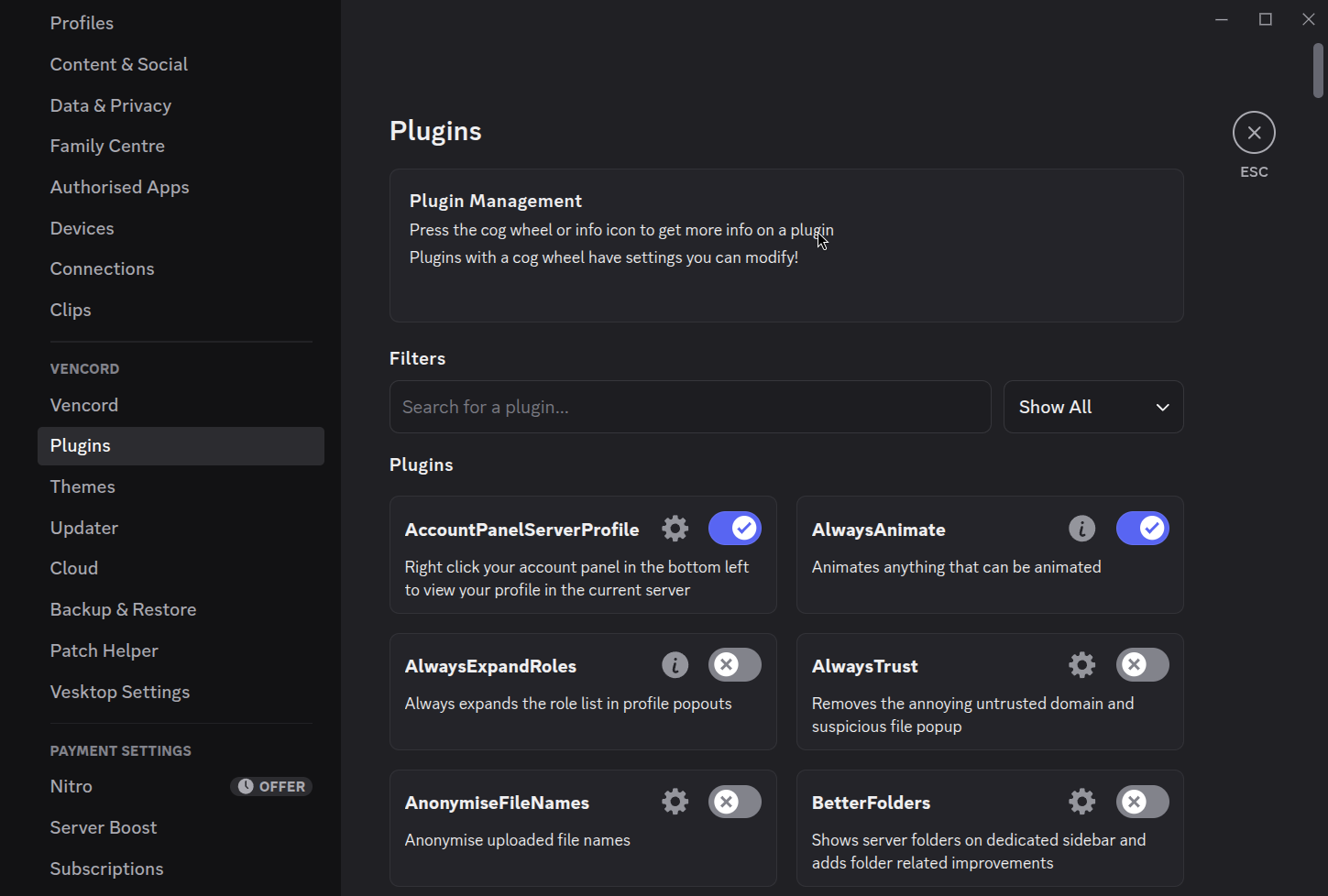
- Deep Personalization: Tailor the visual interface and performance settings to match your desktop environment and personal aesthetic.
- Native Linux Optimization: Developed by Vencord Contributors to run efficiently on Linux distributions without draining system resources.
Who Is This Customizable Client For?
If you are a Linux user who frequently streams gameplay, hosts presentations, or simply prefers an interface that respects your system privacy, Vesktop is crafted for you. It bridges the gap between official client limitations and the open-source community's expectations, providing a seamless, robust communication hub.
Our Editorial Verdict
Vesktop stands out as a highly functional, community-driven alternative that enhances daily digital communication. By resolving long-standing audio sharing issues on Linux and putting customization back into the hands of the user, it proves to be a superior choice for desktop chat. To explore this application further, visit the official Flathub store page today.