
Karere
Read our in-depth review of Karere, a native Linux client for WhatsApp. Learn how it integrates with your desktop, manages sessions, and improves workflows.
A Desktop-First Approach to Linux Messaging
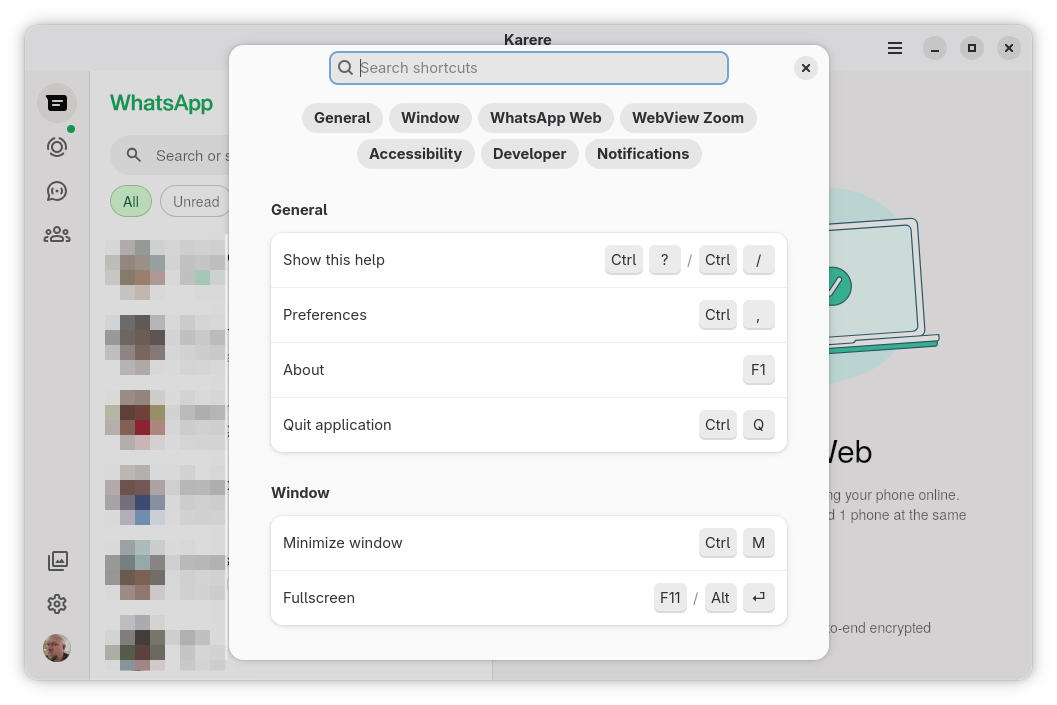
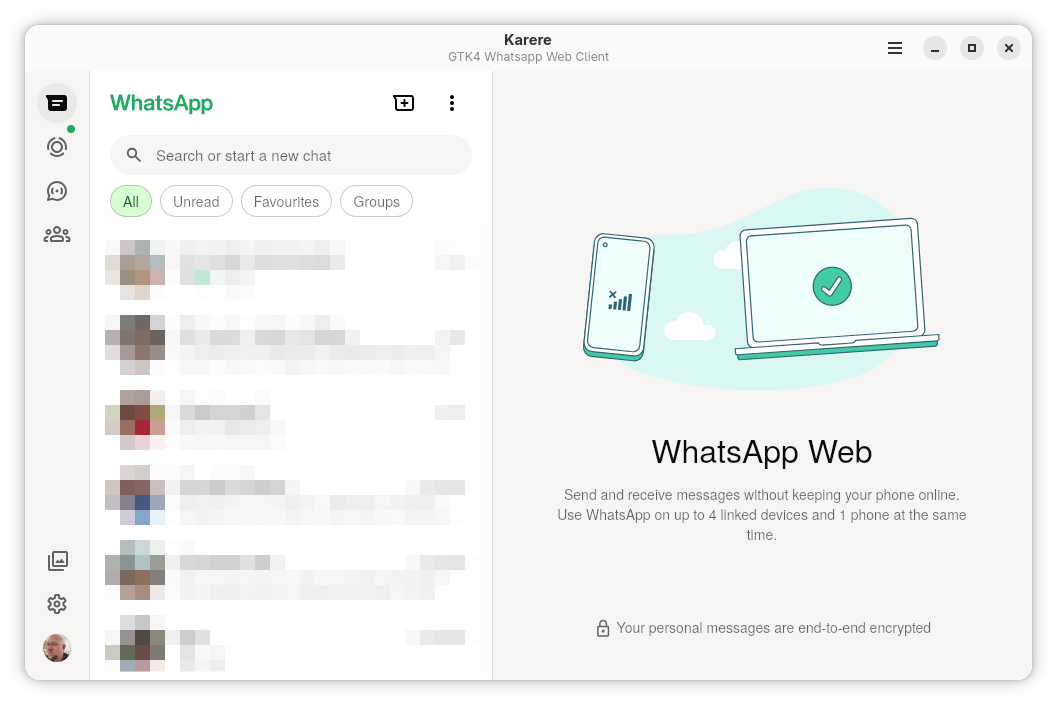
Most Linux users are familiar with the frustration of running web apps in bloated browser tabs that clutter the workspace. Karere WhatsApp desktop integration solves this elegantly by wrapping WhatsApp Web in a native GTK4 and libadwaita shell. Instead of feeling like an isolated website, this application behaves like a core component of your Linux operating system, respecting your system theme, window management rules, and overall desktop workflow from the moment you launch it.
Key Features of the Karere Linux Client
The developer, Thiago Fernandes, has focused heavily on performance and system-level integration. Here is what makes this client stand out for daily communication:
- Advanced Engine Backend: Built on the Chromium Embedded Framework (CEF), ensuring fast rendering, high compatibility, and full support for video attachments (H.264/AAC).
- Isolated Multi-Account Support: Run multiple WhatsApp accounts simultaneously with completely isolated sessions and individual per-account zoom levels.
- Persistent Login Sessions: You only need to link your mobile device via the QR code once; your session remains secure and active across system reboots.
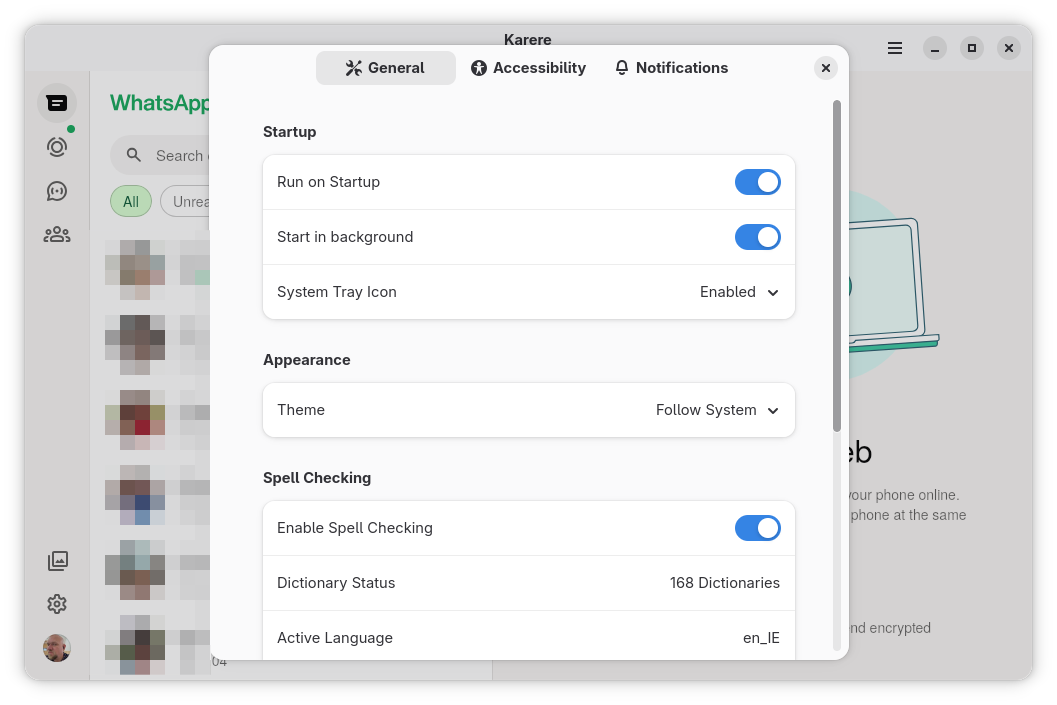
- System Tray & Notifications: Receive native desktop notifications and manage the app seamlessly via a system tray icon.
- Hardware Acceleration: Smooth scrolling and interface transitions thanks to efficient hardware-accelerated rendering.
- Clipboard & Spell-Checking: Copy and paste images or text reliably, backed by robust spell-checking configurations.
Who Is This App For?
If you rely on WhatsApp for personal or professional communication and run a Linux desktop, this application is tailored for you. It bridges the gap between web-based messaging and native performance, making it ideal for developers, system administrators, and casual users alike who want to keep their chat workflows organized without keeping heavy browser tabs open constantly.
Our Verdict
By moving away from standard WebKit engines to a modern CEF backend, the Karere WhatsApp desktop integration delivers a highly reliable, feature-complete messaging environment. It respects your privacy, saves system resources, and feels like it truly belongs on a Linux desktop. To try it out on your system, head over to the official Flathub store page to get started.