

Mail+ for Gmail
Discover how Mail+ for Gmail simplifies your email workflow on Mac. Read our full review of this dedicated, feature-rich desktop client.
Streamline Your Inbox with Mail+ for Gmail
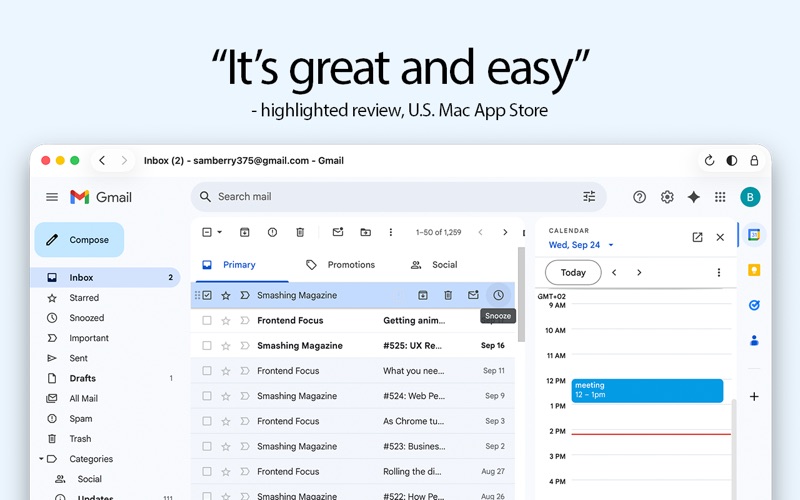
Managing your inbox can be a chore when you are constantly switching between browser tabs. Mail+ for Gmail desktop client offers a dedicated, standalone solution for Mac users who want to access their emails without the clutter of a standard web browser. Developed by Rocky Sand Studio Ltd., this utility brings your entire Gmail experience directly to your dock, streamlining your daily communication workflow.
Practical Everyday Benefits
By moving your email out of your browser, you instantly reclaim screen real estate and minimize distraction. Here is what you can actually do with the standard version of the app:
- Monitor Unread Messages at a Glance: The handy badge dock icon displays a real-time counter of your unread emails, so you never miss an urgent message.
- Customize Your Workspace: Tailor your viewing experience by adjusting window opacity and font sizes to match your office environment.
- Seamless Aesthetic Integration: The app supports existing Gmail themes, ensuring your workspace looks exactly how you want it to.
Unlock Advanced Multitasking Features
For power users who handle heavy daily correspondence, the Mail+ for Gmail desktop client offers several optional in-app upgrades. These add-ons are designed to boost productivity for professional workflows:
- Manage Multiple Accounts: Open different Gmail accounts in separate windows to keep your personal and professional lives organized.
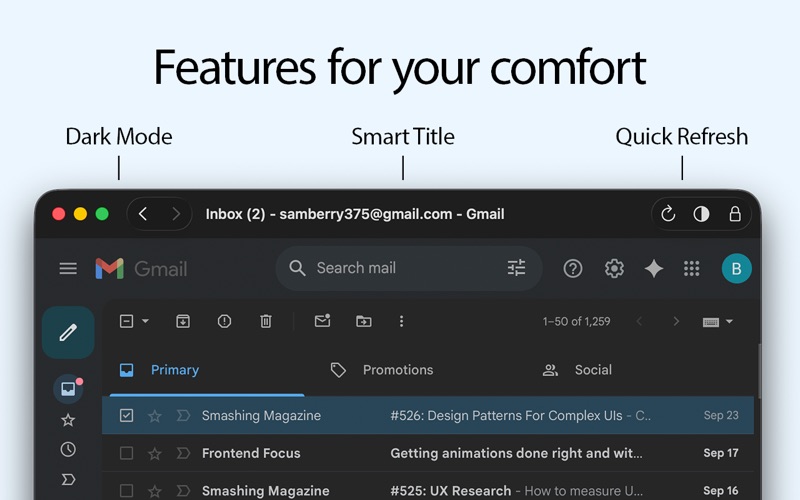
- Quick Dark Mode Toggle: Easily switch between light and dark modes to reduce eye strain during late-night work sessions.
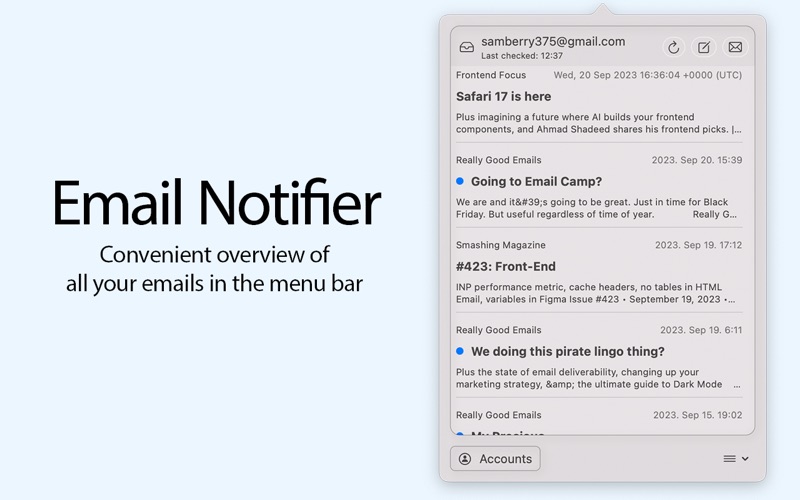
- System-Wide Accessibility: Utilize a convenient menu bar notifier for an instant overview of your inbox without opening the main window.
- Enhanced Security & Utility: Lock your email windows with a single click and save attachments directly to your preferred local folders.
Who Is This App For?
This application is ideal for Mac users who rely heavily on Gmail but want to keep their web browser reserved for research and browsing. Because it connects securely via the official Gmail API, you get a fast, responsive, and native-feeling environment that respects your privacy. It is a straightforward, lightweight alternative to heavy email clients.
Get Started Today
If you are ready to upgrade your desktop email experience, you can explore the full features of this utility on its official platform. Head over to the Mac App Store to see how the Mail+ for Gmail desktop client can optimize your daily productivity.