
Duplicate Cleaner!
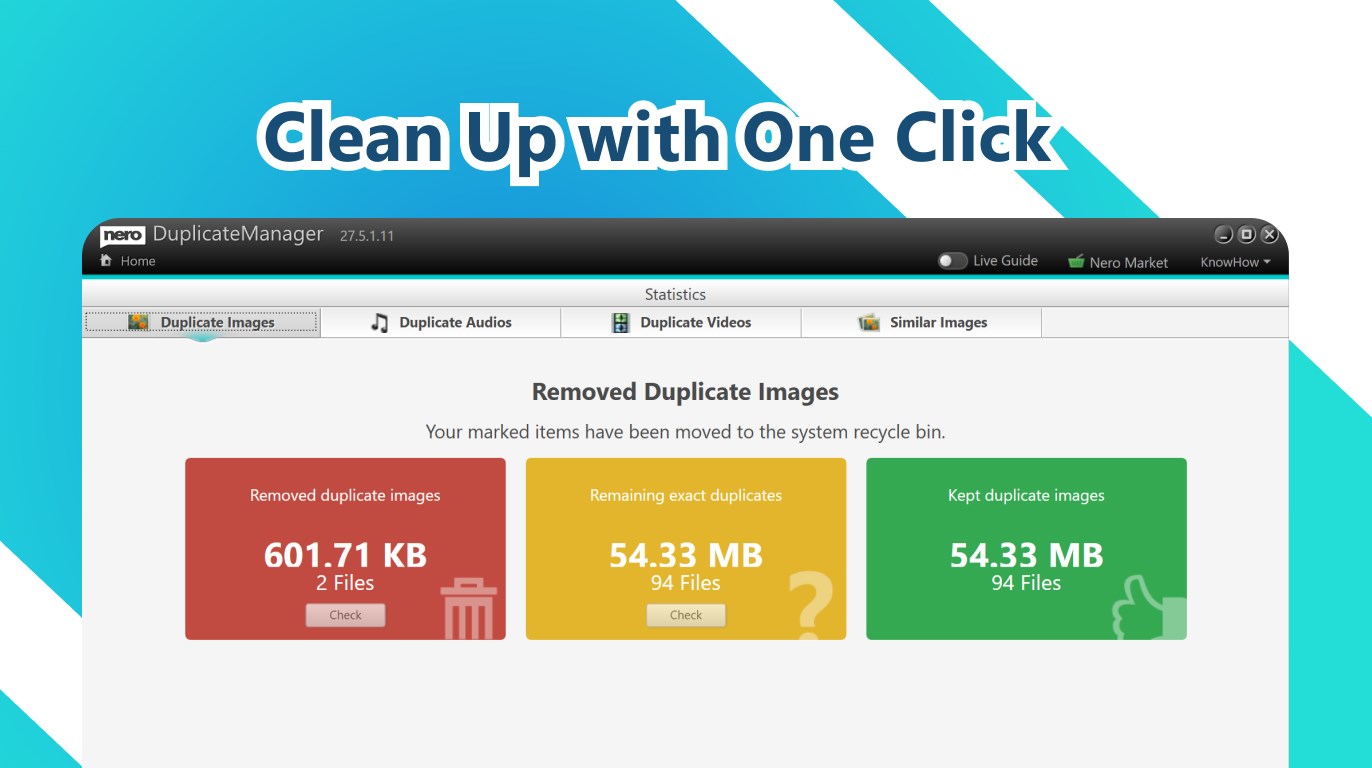
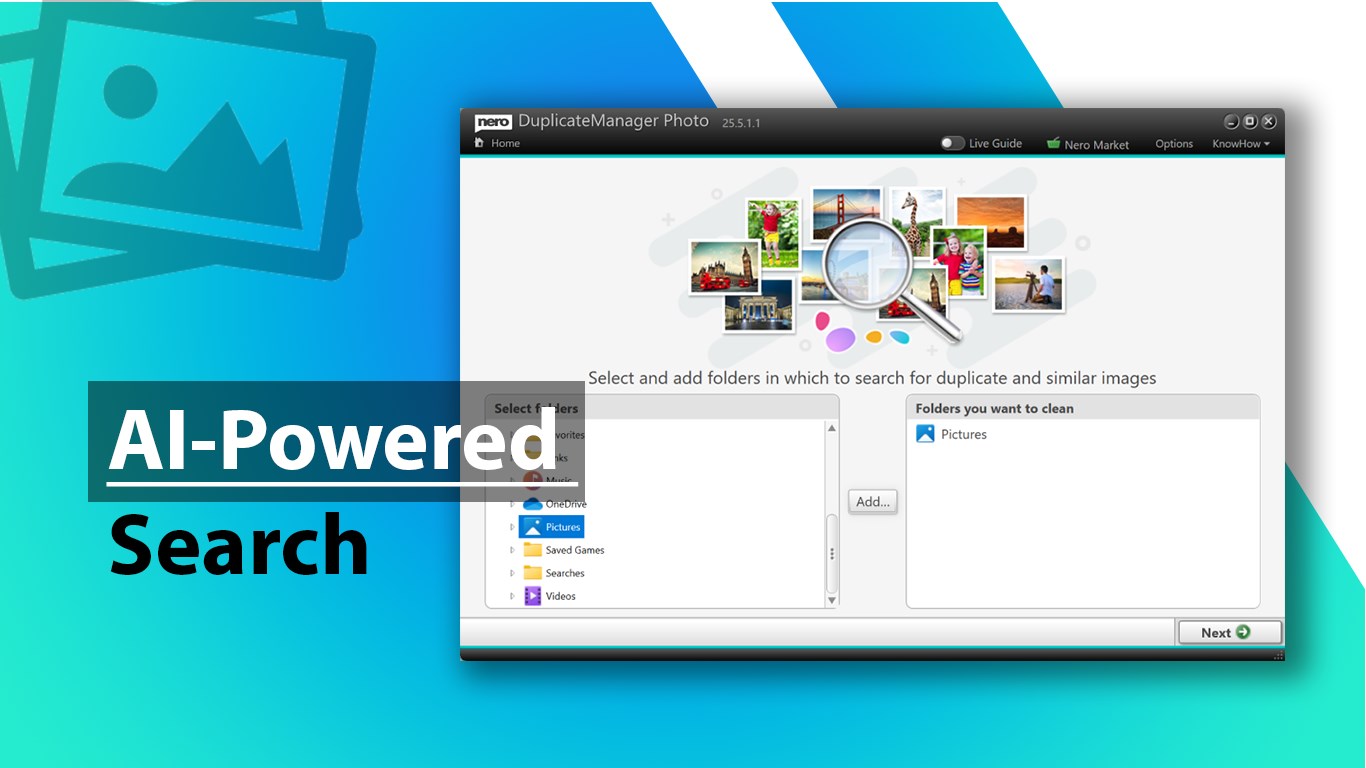

Read our expert review of Duplicate Cleaner! by Nero. Learn how this Windows utility scans, identifies, and removes duplicate media to reclaim disk space.
Streamline Your Windows Media Library with Duplicate Cleaner!
Over years of archiving photos, songs, and home videos, digital clutter is inevitable. Duplicate Cleaner! duplicate media remover by Nero AG offers a streamlined, automated solution to tackle this exact issue on Windows devices. Instead of spending hours manually combing through nested folders, this utility scans your system to identify identical files and highly similar images, allowing you to reclaim valuable storage space with confidence.
How Nero's Duplicate Finder Works in Practice
The application operates on a simple, three-step workflow designed to keep users in complete control of their data:
- Deep Scanning: The tool searches across selected directories to find exact matches and visual similarities.
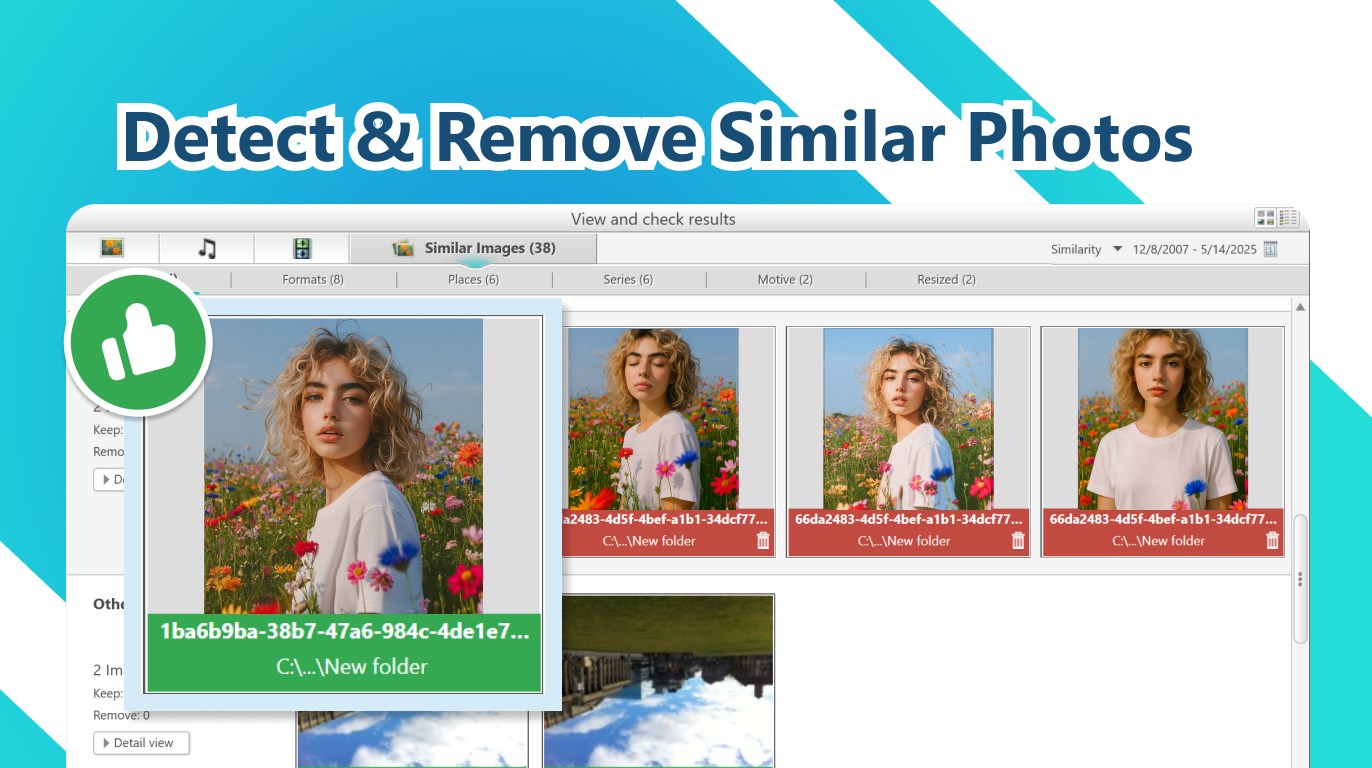
- Smart Recommendations: Using visual comparison side-by-side, the app presents recommended files to delete.
- Safe Removal: Selected duplicates are safely removed, with easy recovery options available if you change your mind.
Key Capabilities and File Detection
Unlike basic cleanup tools, this software is optimized for diverse media types. Whether you are dealing with imported camera backups or shared messaging folders, the Duplicate Cleaner! duplicate media remover addresses several common storage hogs:
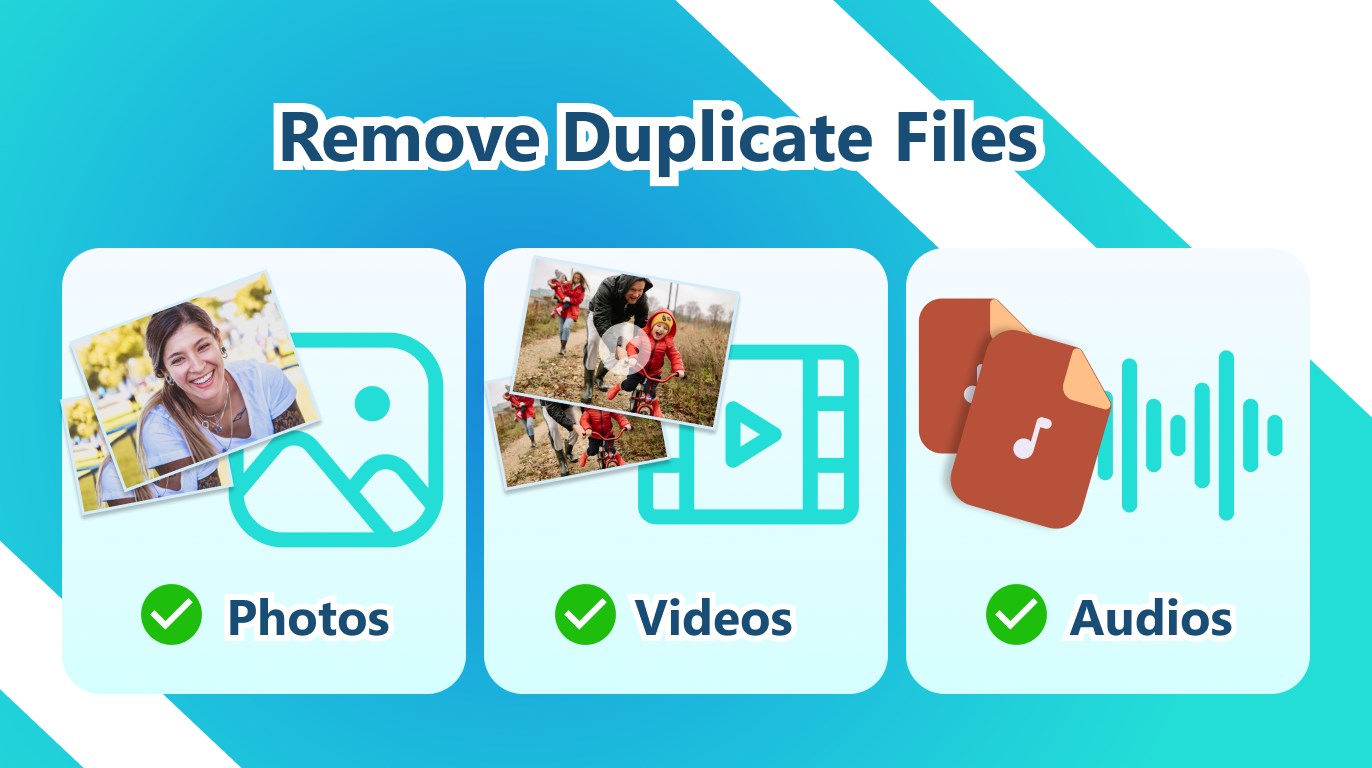
- Exact Matches: Finds identical images, video clips, and audio files across multiple backup folders.
- AI-Powered Similarity Detection: Groups near-identical shots, such as burst-mode sequences, HDR series, edited photos, or resized formats.
- Multi-Format Media: Detects when the same media is saved in different file formats, helping you consolidate your archive.
Is the Free Edition Right for You?
The Free edition of this tool provides essential exact-match cleanup for photos, videos, and audio files alongside AI-powered similar image detection, though it operates with limited folder support and batch deletion limits. Users looking for unrestricted folder analysis, unlimited batches, and advanced AI categorization can choose to upgrade to the PRO edition directly within the application.
Get Organized Today
If your Windows PC is running low on space due to years of accumulated media backups, this utility provides a safe, visual, and highly efficient way to clean up your drive. To try out this smart organizer, head over to the official Microsoft Store page to download Duplicate Cleaner! by Nero and restore order to your digital collection.