

Factory File Manager
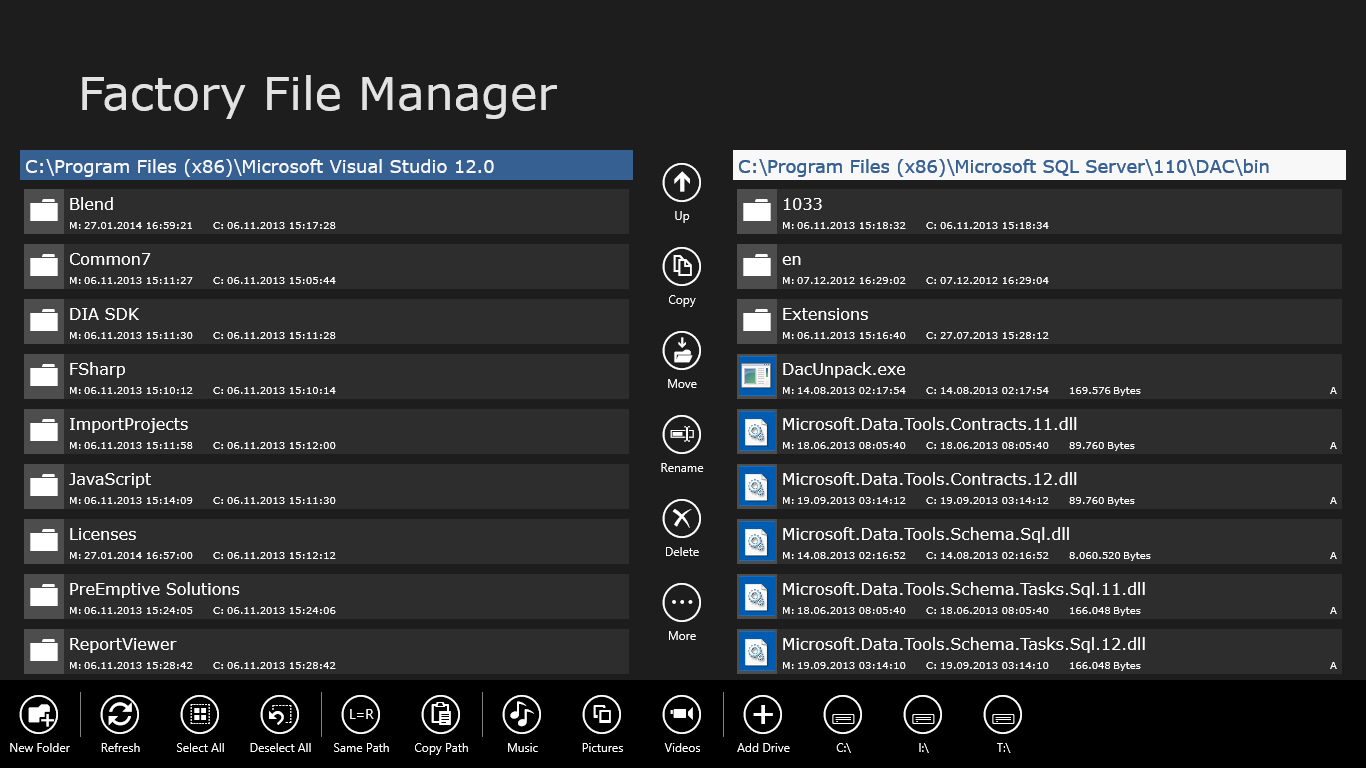
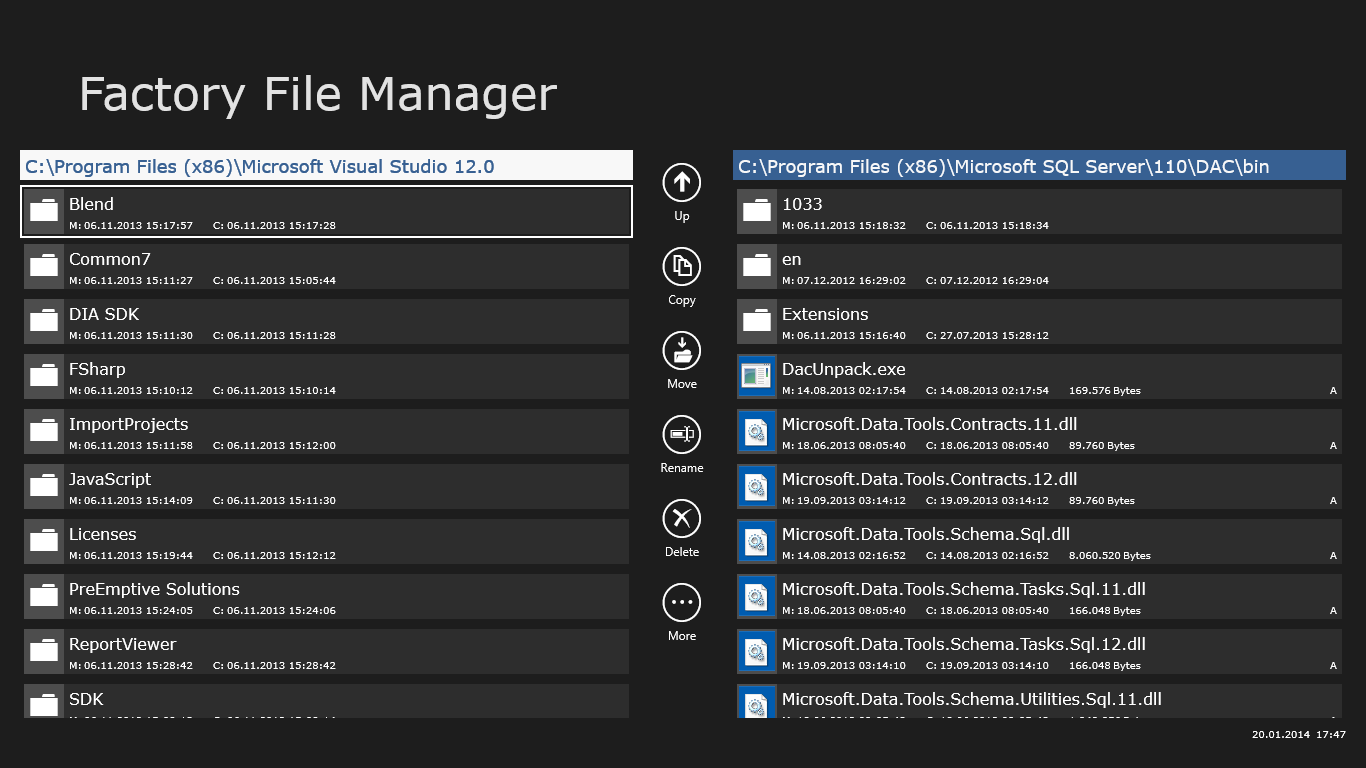
Read our comprehensive review of Factory File Manager, a dual-pane Windows productivity tool designed for efficient, tabbed file organization.
A Dual-Pane Approach to Desktop Organization
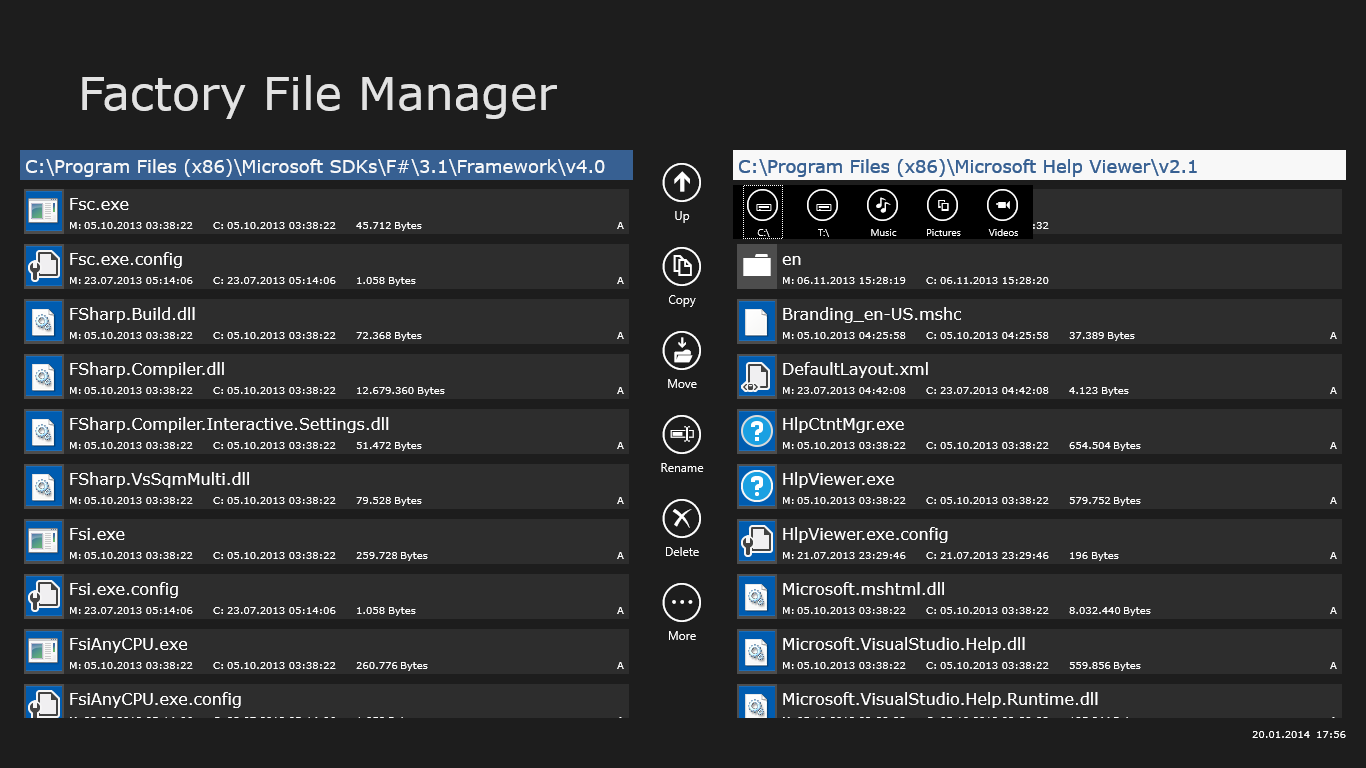
Managing files on Windows often feels like a constant battle with cluttered windows and disorganized folders. The Factory File Manager side-by-side file utility offers a refreshing solution to this digital chaos. Designed by proccelerate GmbH, this specialized tools category application replaces the standard single-window experience with a streamlined, dual-pane layout. Instead of dragging items between multiple open windows, you can manage everything within a single, cohesive interface.
Tabbed Navigation and Real-Time Updates
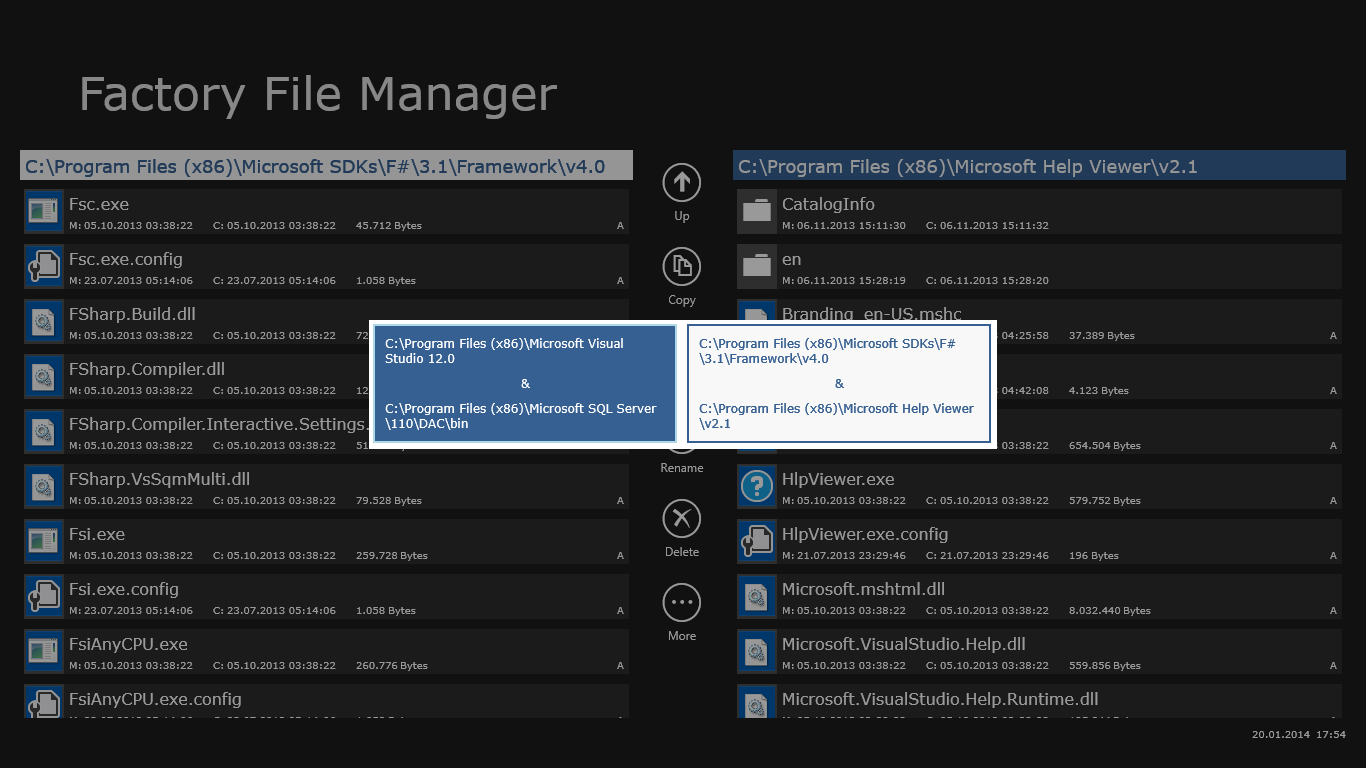
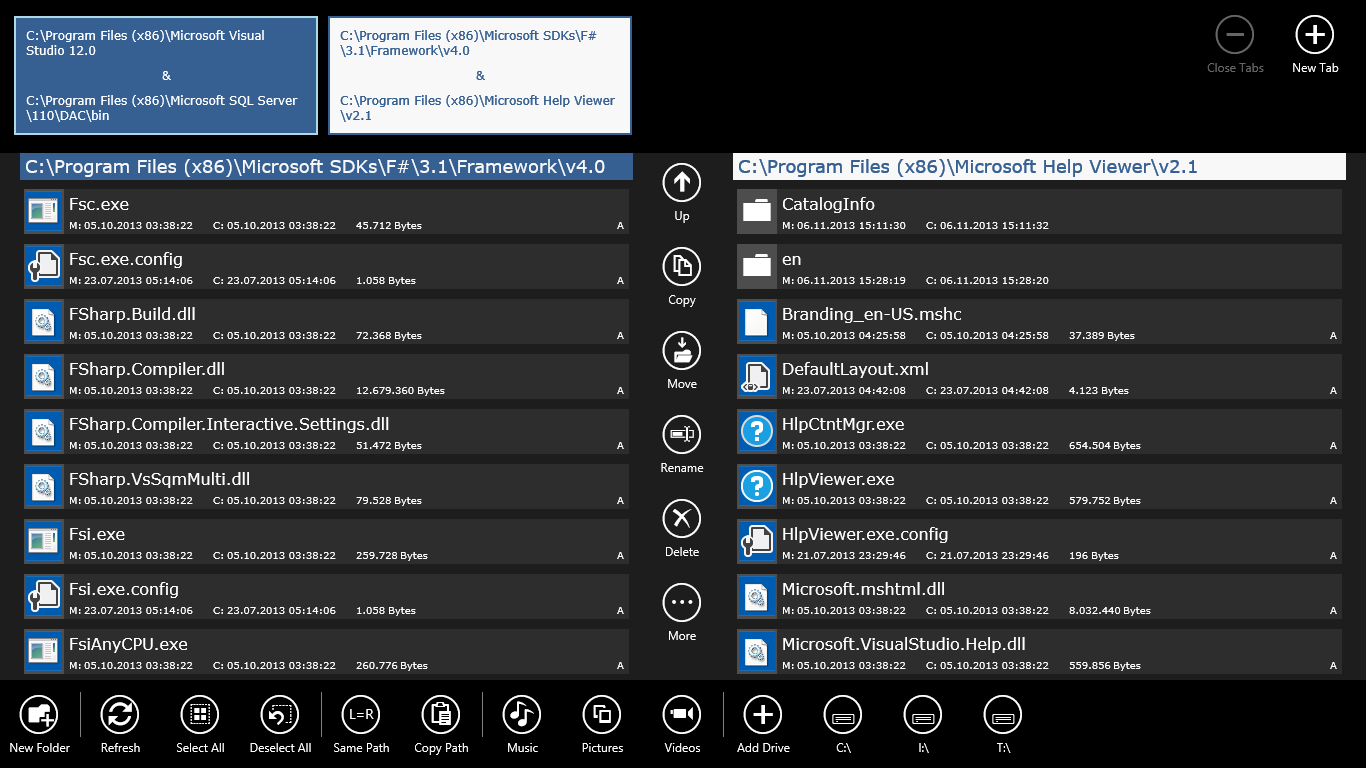
One of the standout features of the Factory File Manager side-by-side file utility is its support for multiple tabs. You can open different directory locations within the same workspace and switch between them instantly. For power users who manage deep directory structures, this is an incredible time-saver. Furthermore, the application monitors background folder changes and automatically updates your view in real time, ensuring you are always looking at the most current state of your storage.
Essential Tools and Keyboard-Driven Efficiency
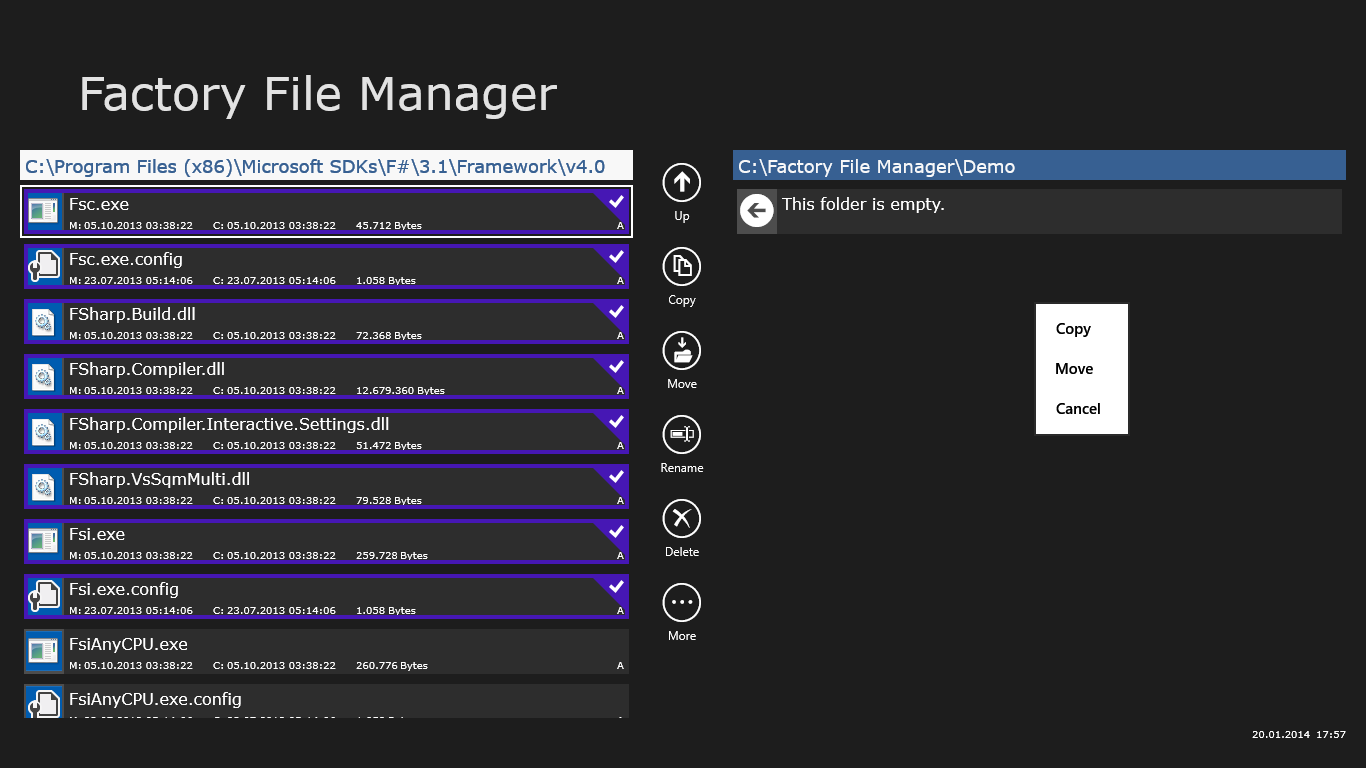
This application does not compromise on core capabilities. Users can execute all standard file management operations with ease, including:
- Standard copy, move, and rename actions
- Standard file deletion and permanent deletion options
- Direct creation of new folders
For professionals who prefer to keep their hands on the home row, the integrated keyboard support is a major highlight. You can navigate, transfer, and organize your files using rapid keyboard shortcuts, making your daily workflow significantly more efficient.
Is This File Manager Right for You?
If you are tired of the default system explorer and need a structured, dual-pane environment to speed up your digital organization, this software delivers exactly what it promises without unnecessary bloat. To see how it fits into your daily routine, you can find the official listing on the Microsoft Store.