
Files&Folders Pro
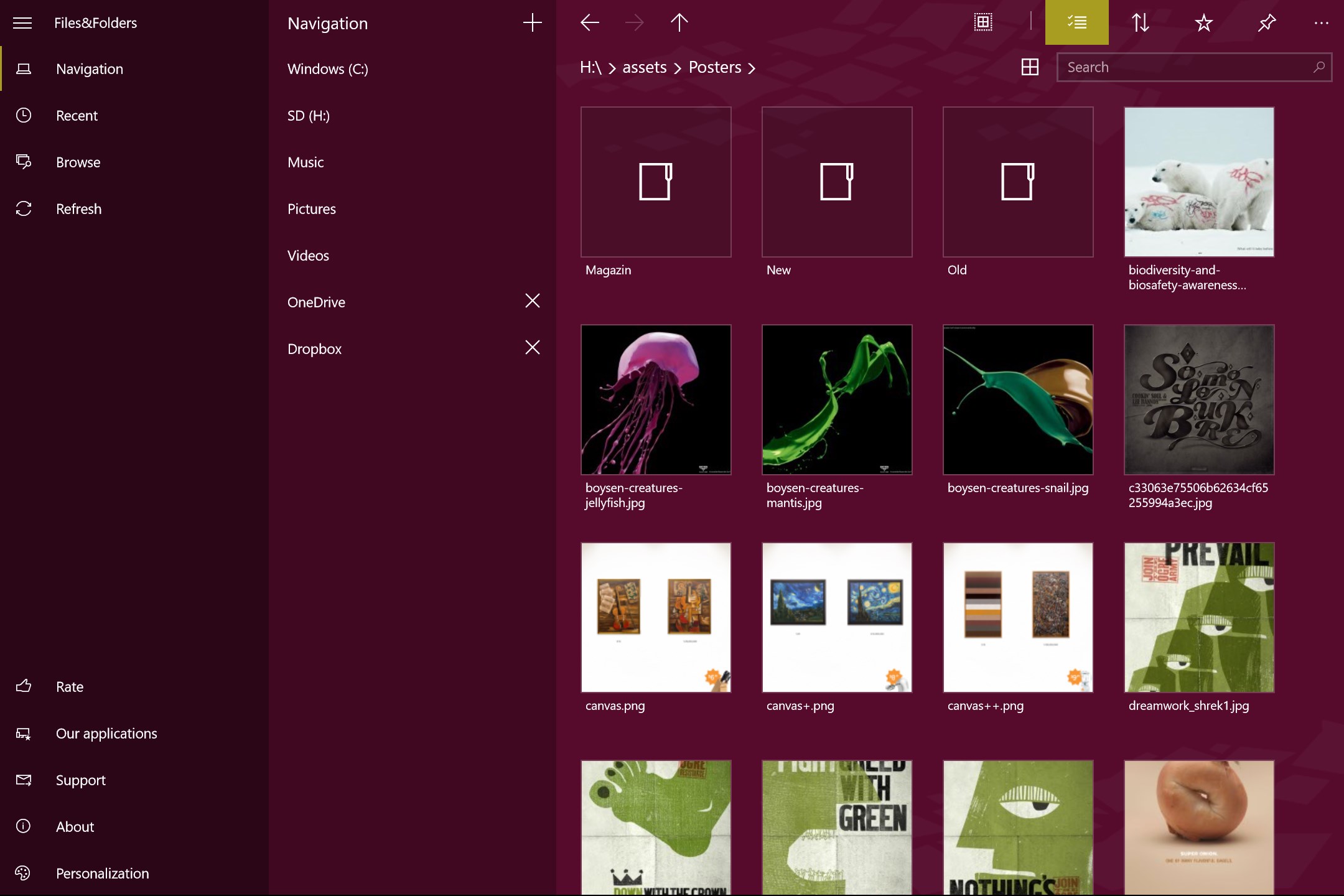

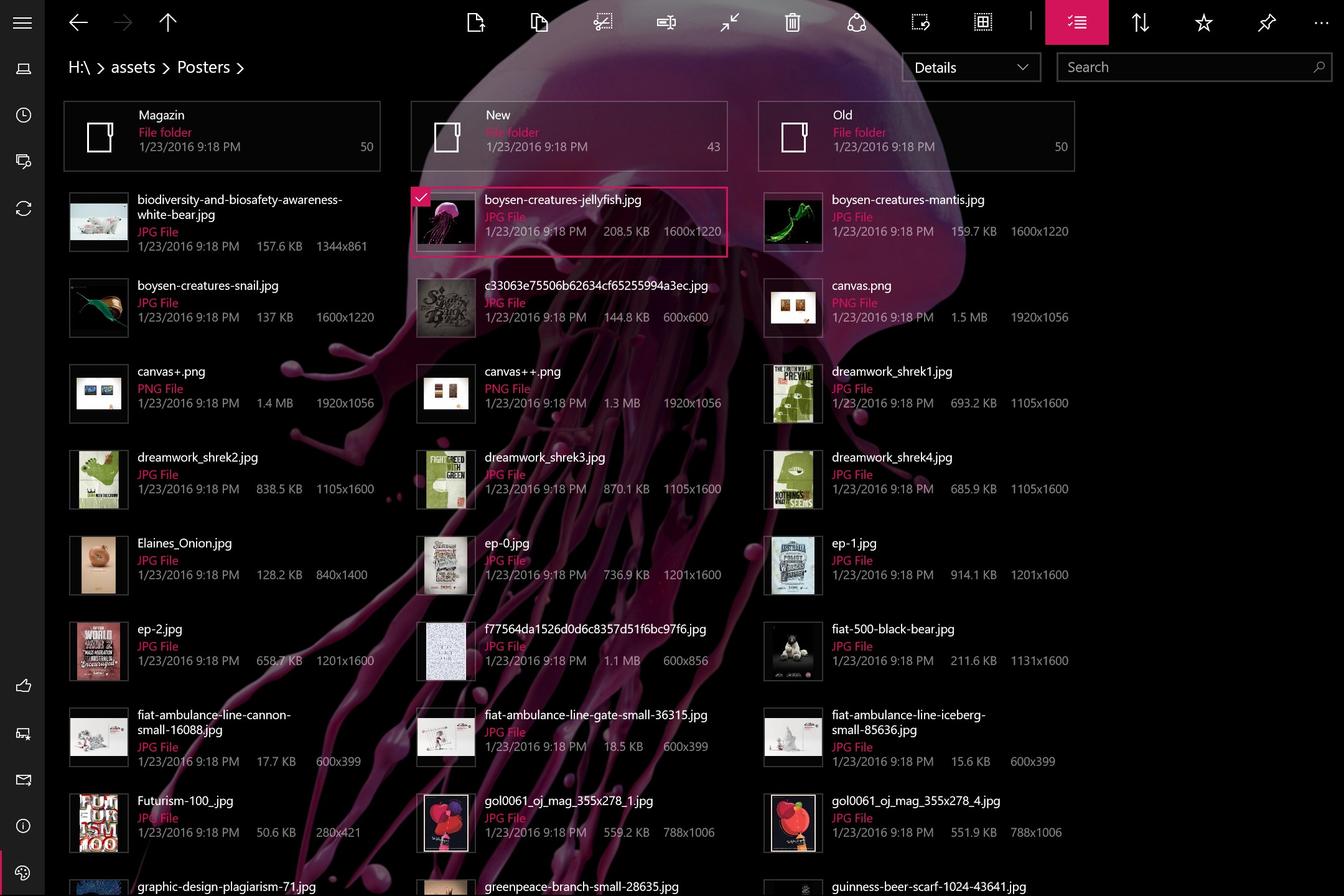
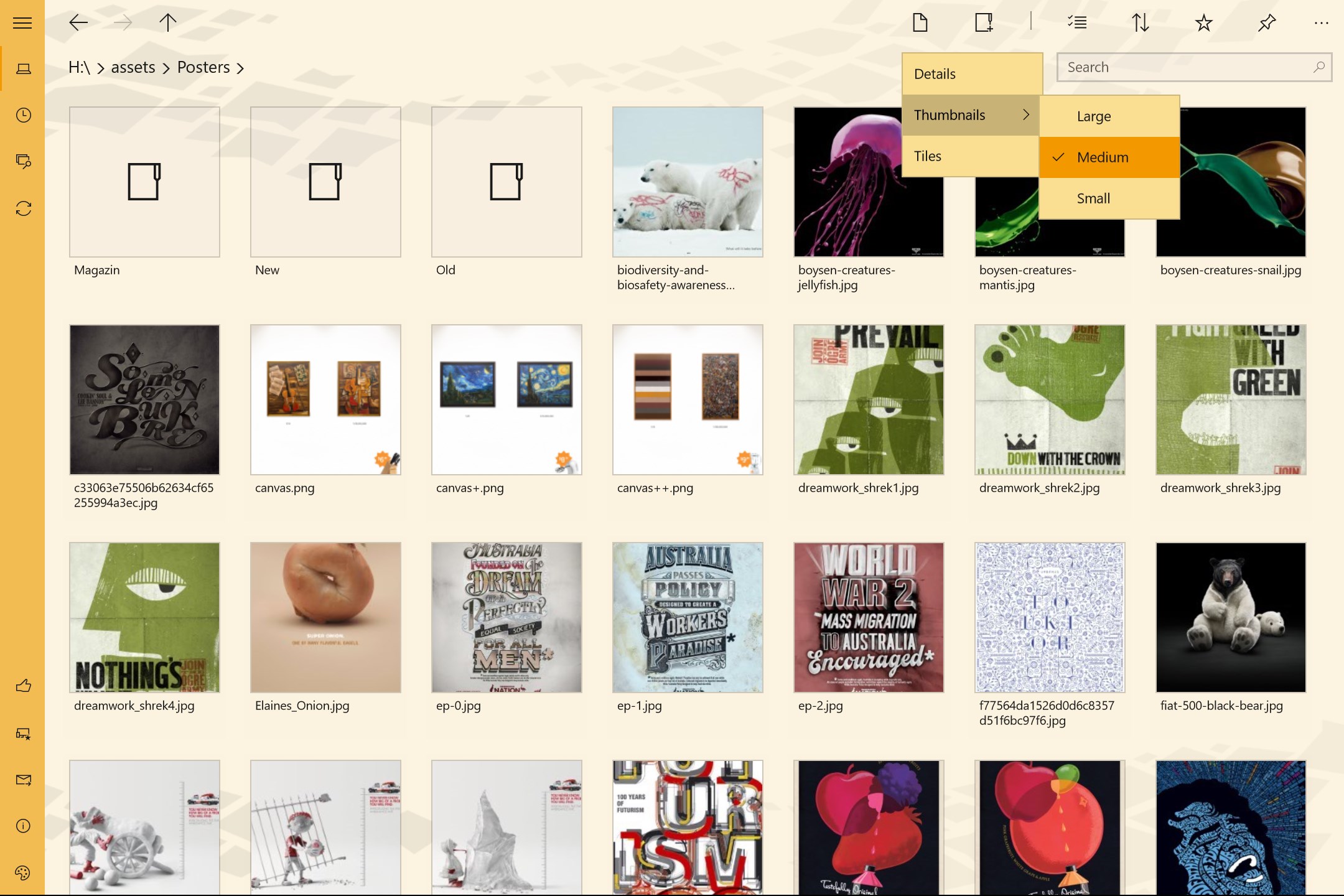
Read our comprehensive review of Files&Folders Pro, an advanced file manager for Windows. Discover its features, archive support, and media playback tools.
An All-in-One Utility for Streamlined File Management
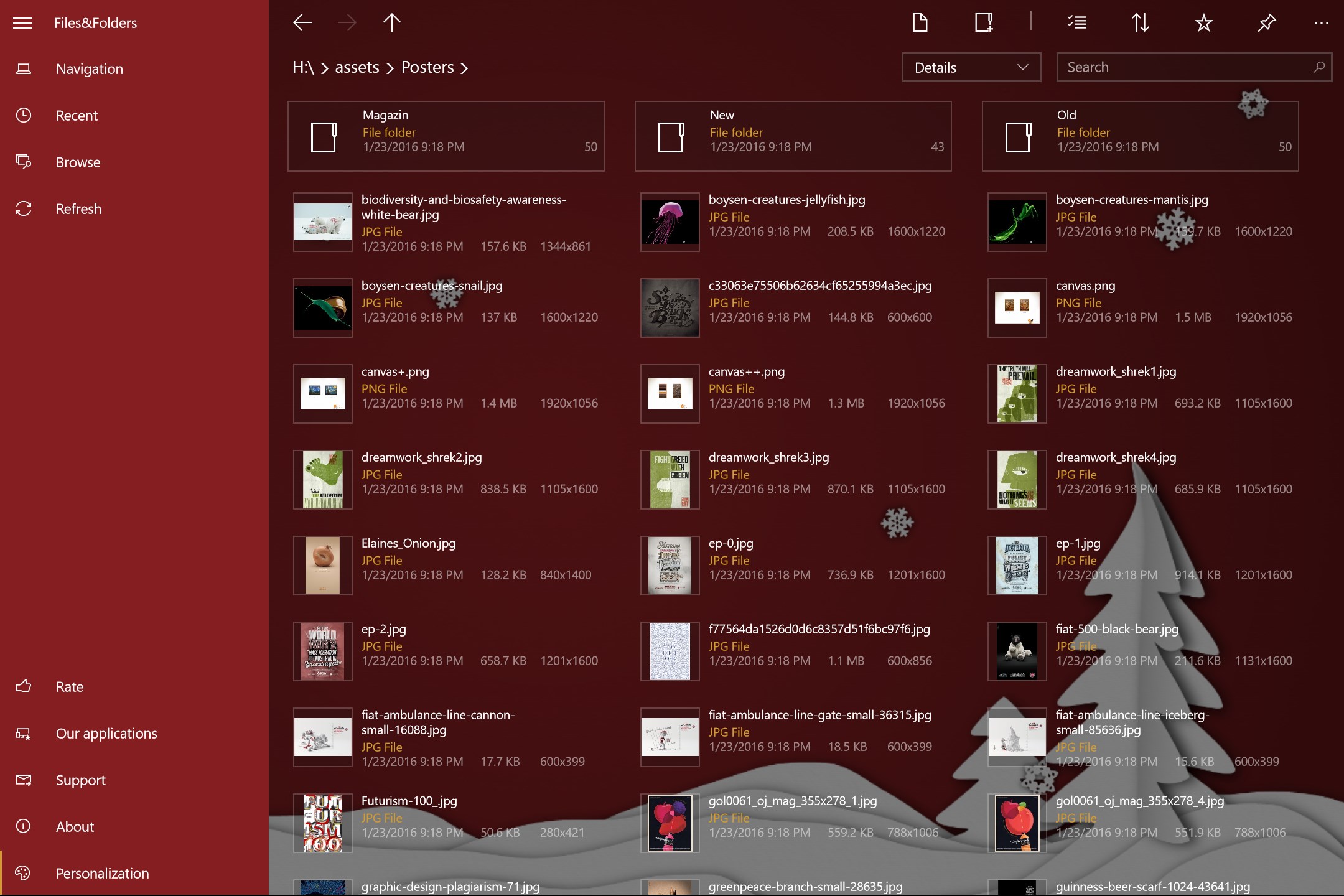
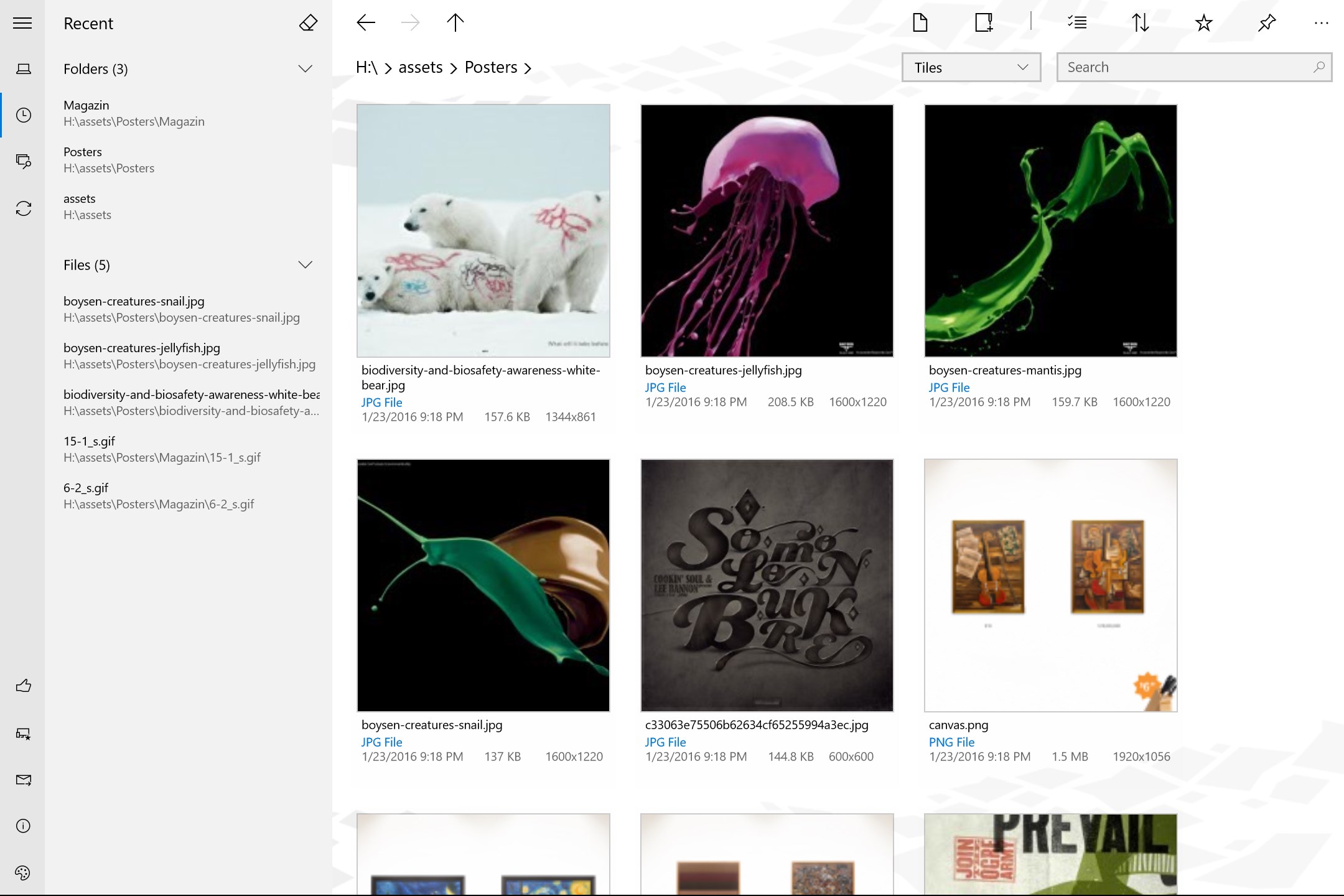
Managing digital assets on modern operating systems requires both speed and versatility. The Files&Folders Pro file manager by Finebits OÜ is designed to meet these demands by providing a comprehensive, user-friendly workspace on the Windows platform. Rather than forcing users to switch constantly between different utility apps, this tool consolidates file organization, archive extraction, and media playback into a single, cohesive interface.
Whether you need to clean up local storage, unpack complex compressed archives, or edit text documents on the fly, this application serves as a robust alternative to native tools, particularly for users who value deep integration and multi-format support.
Key Features of the Files&Folders Pro File Manager
- Advanced Archive Handling: Unpack and extract files from a vast range of compression formats, including RAR, ZIP, 7z, ZipX, ISO, BZIP2, GZIP, TAR, ARJ, XZ, and CAB. It also features an "Extract Here" shortcut directly via the Windows Explorer context menu.
- Built-In Media Player & Document Editor: View images (including .nef files on desktop), watch videos, and listen to audio in the background without launching external media players. A built-in document editor supports doc, docx, rtf, and txt formats on compatible devices.
- Network and Cloud Integration: Connect directly to FTP servers and access your OneDrive cloud storage seamlessly from within the application interface.
- Customizable User Experience: Personalize your workspace with custom themes, background images, and Bing wallpapers, while utilizing hotkeys and system Clipboard integration for rapid navigation.
Who Benefits Most From This Tool?
The Files&Folders Pro file manager is exceptionally well-suited for power users, remote professionals, and media enthusiasts who require quick access to diverse file types. If your daily workflow involves downloading various archive formats, organizing media libraries, or managing remote FTP directories, having these capabilities nested in one application saves significant time and system resources.
Additionally, its support for snapped mode, Start Screen pinning, and automatic execution upon inserting flash drives makes it an excellent choice for tablet and laptop users seeking a highly tactile, responsive interface.
Our Verdict
Finebits OÜ has crafted a highly functional, stable, and feature-rich utility that elevates how you interact with your local and cloud directories. By merging an archive extractor, a media viewer, and a cloud client, it minimizes desktop clutter and maximizes productivity.
To explore its full capabilities and see if it fits your digital workflow, visit the official Microsoft Store page to learn more about the application.